Settings, past Feiseanna and offline syllabuses
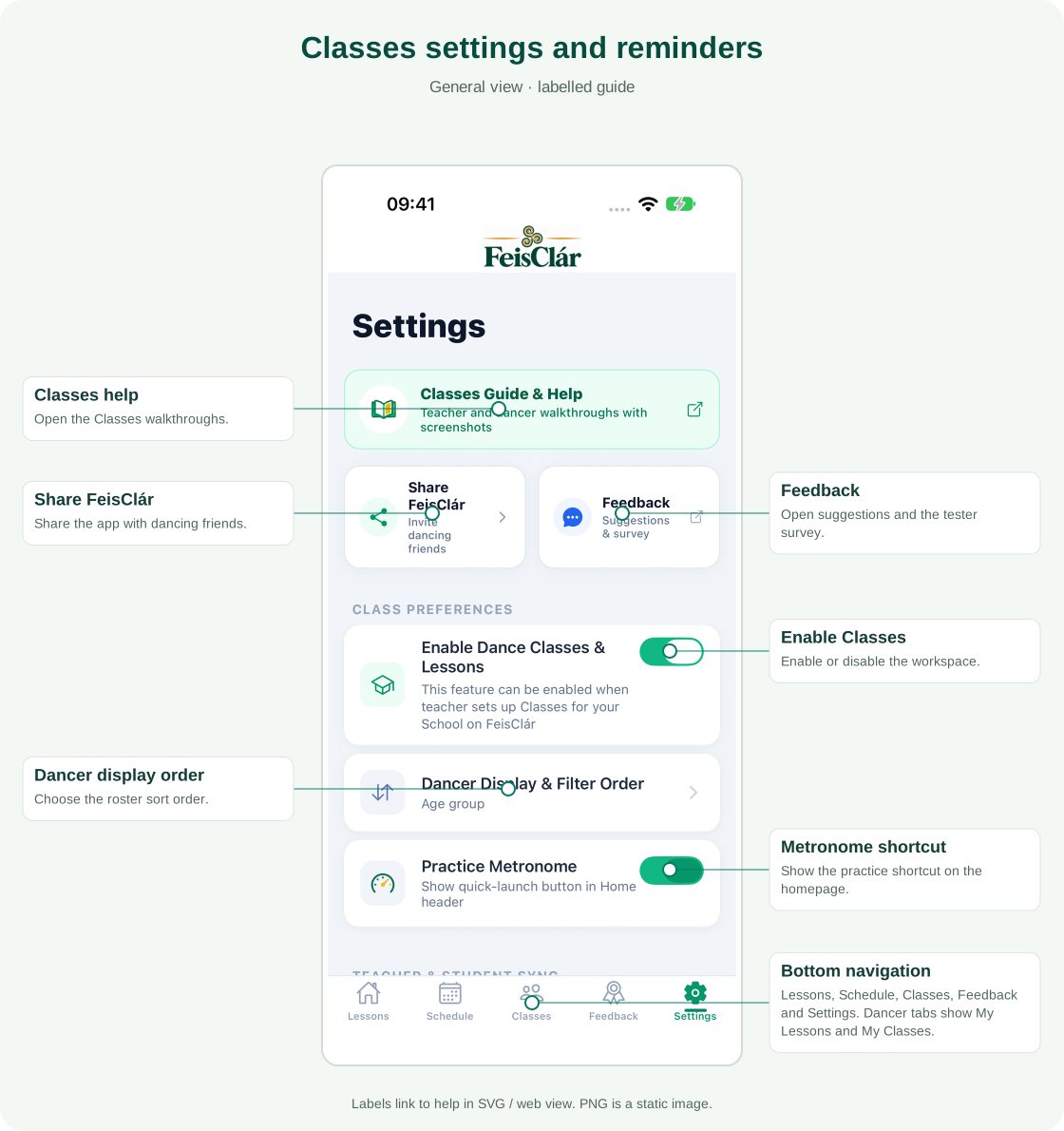
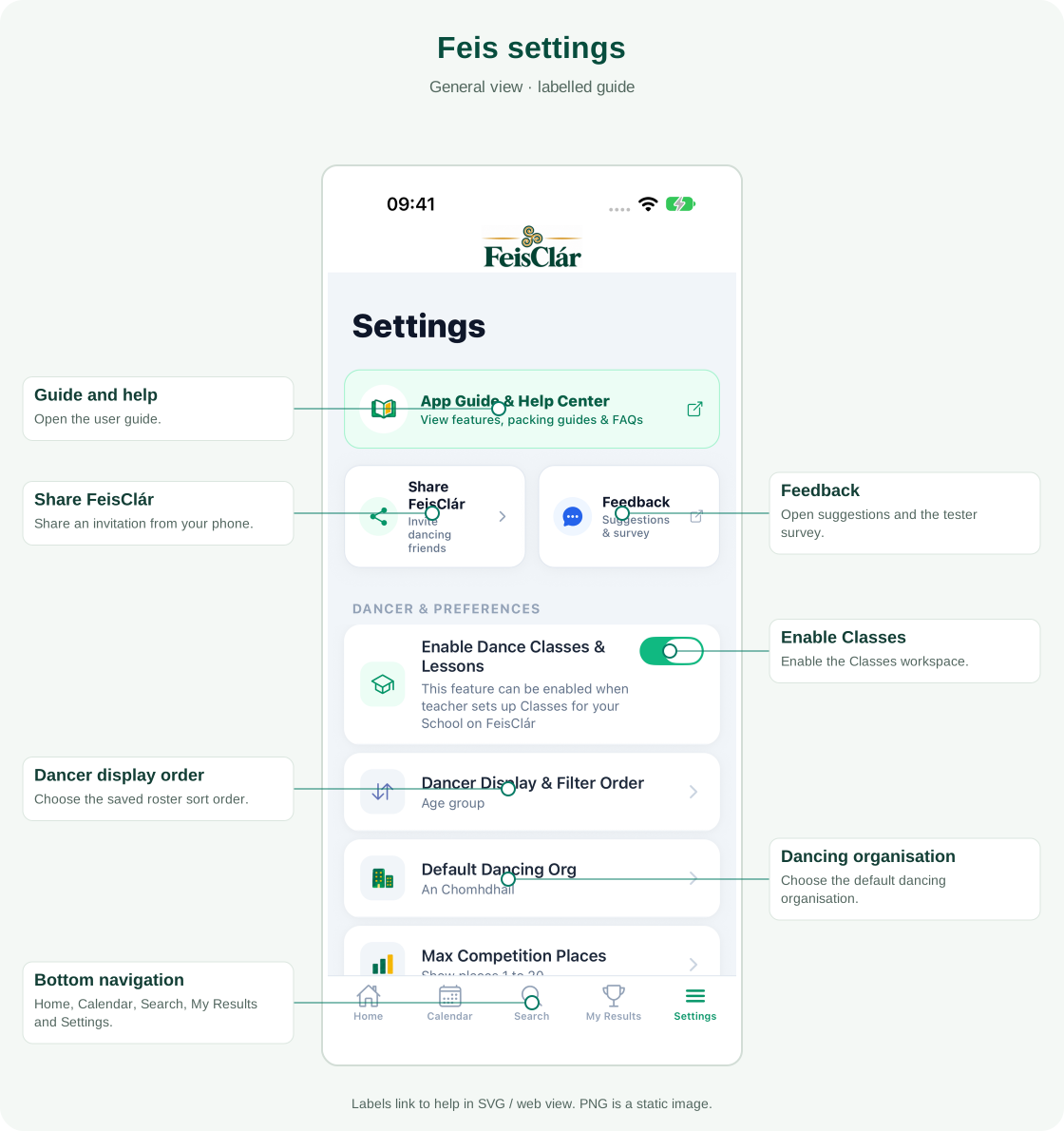
Share the app or send feedback
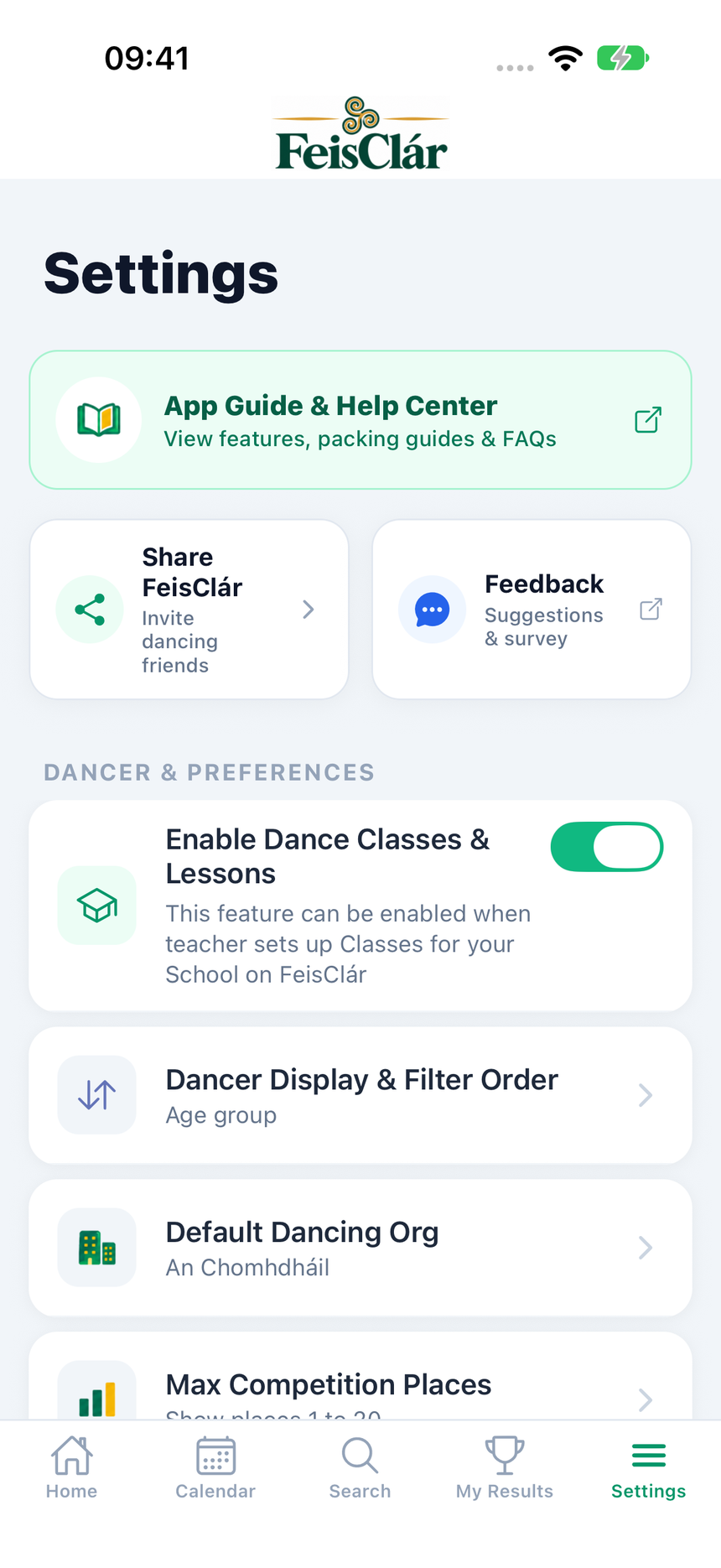
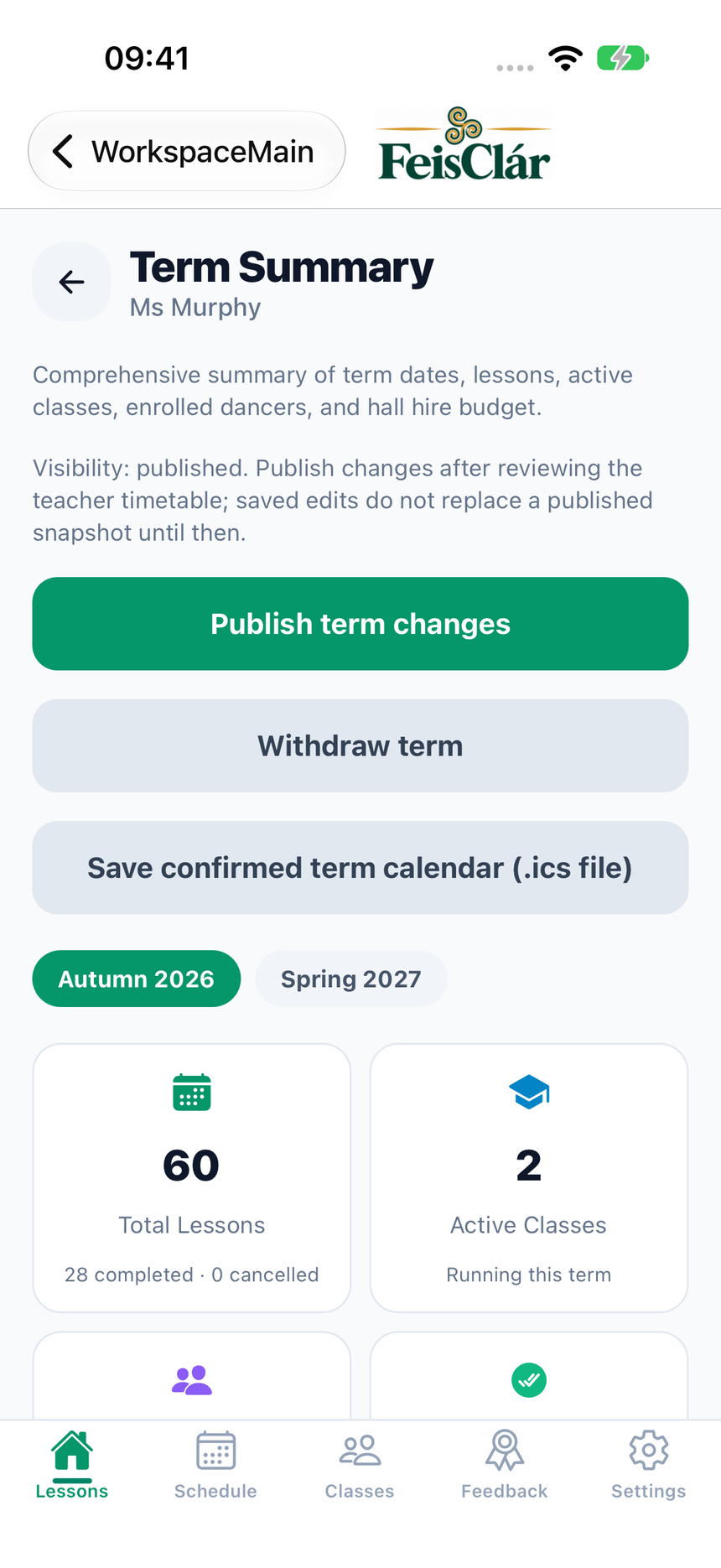
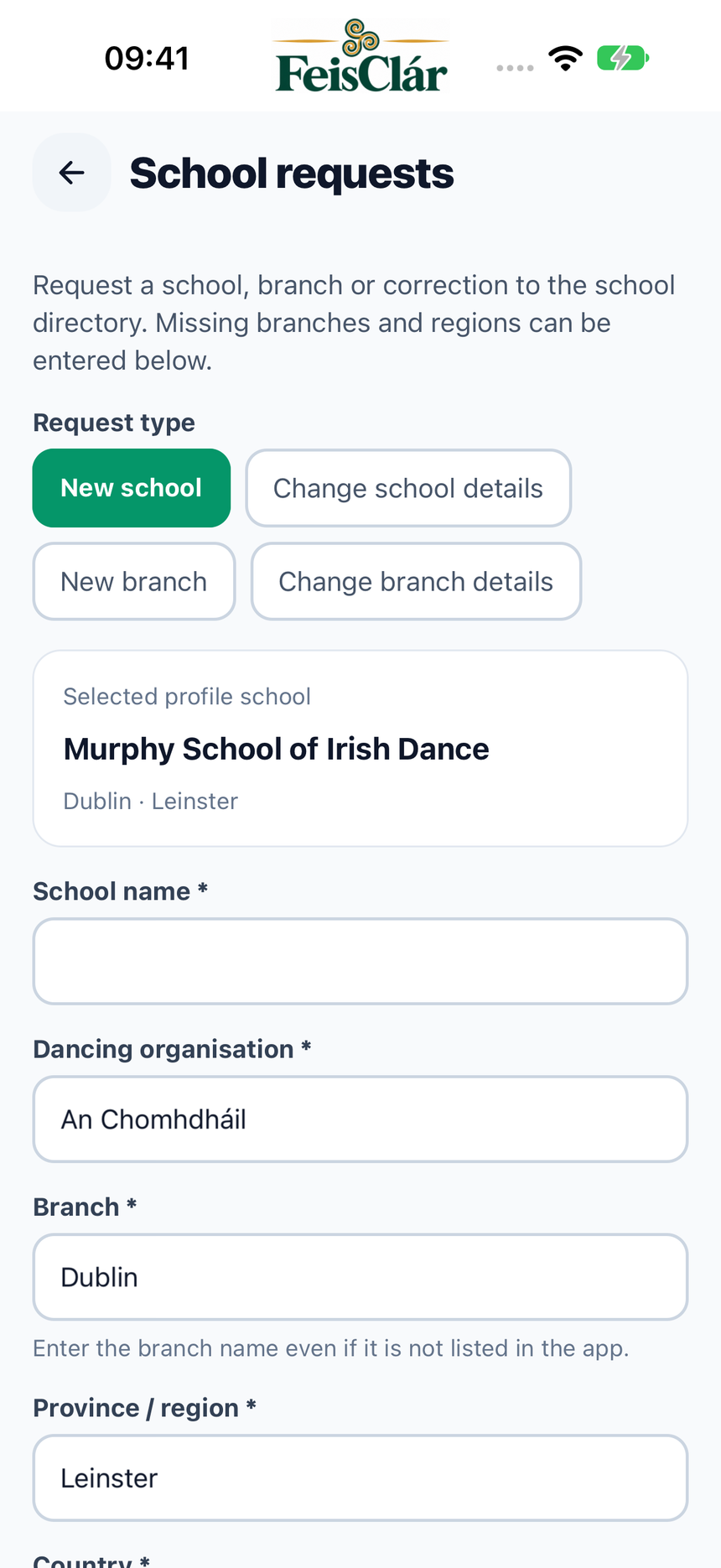
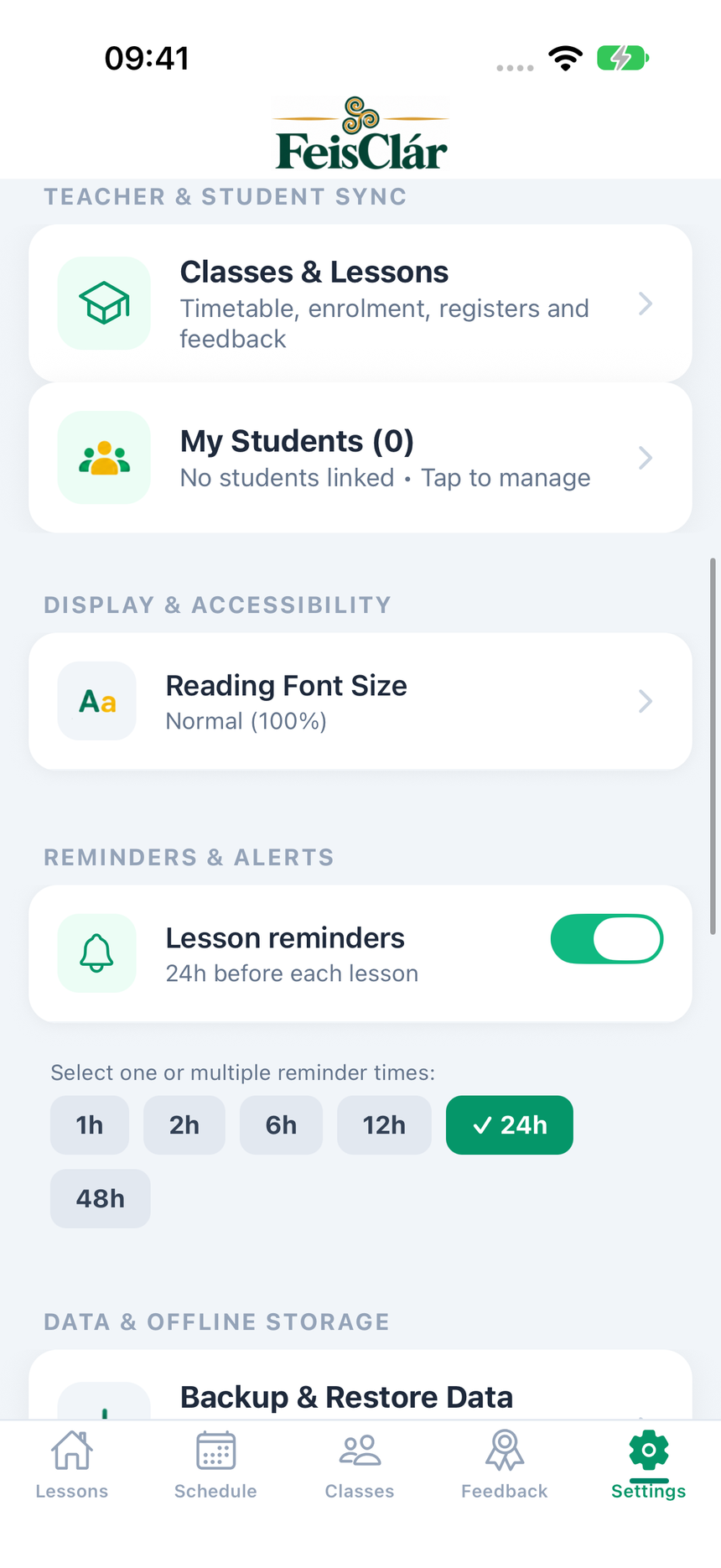
Settings now has Share FeisClár and Feedback tiles below the help banner. Scroll to Contact FeisClár for support, Feis submissions and school requests. The Feis and Classes workspaces show different preferences.
Find an event that has ended
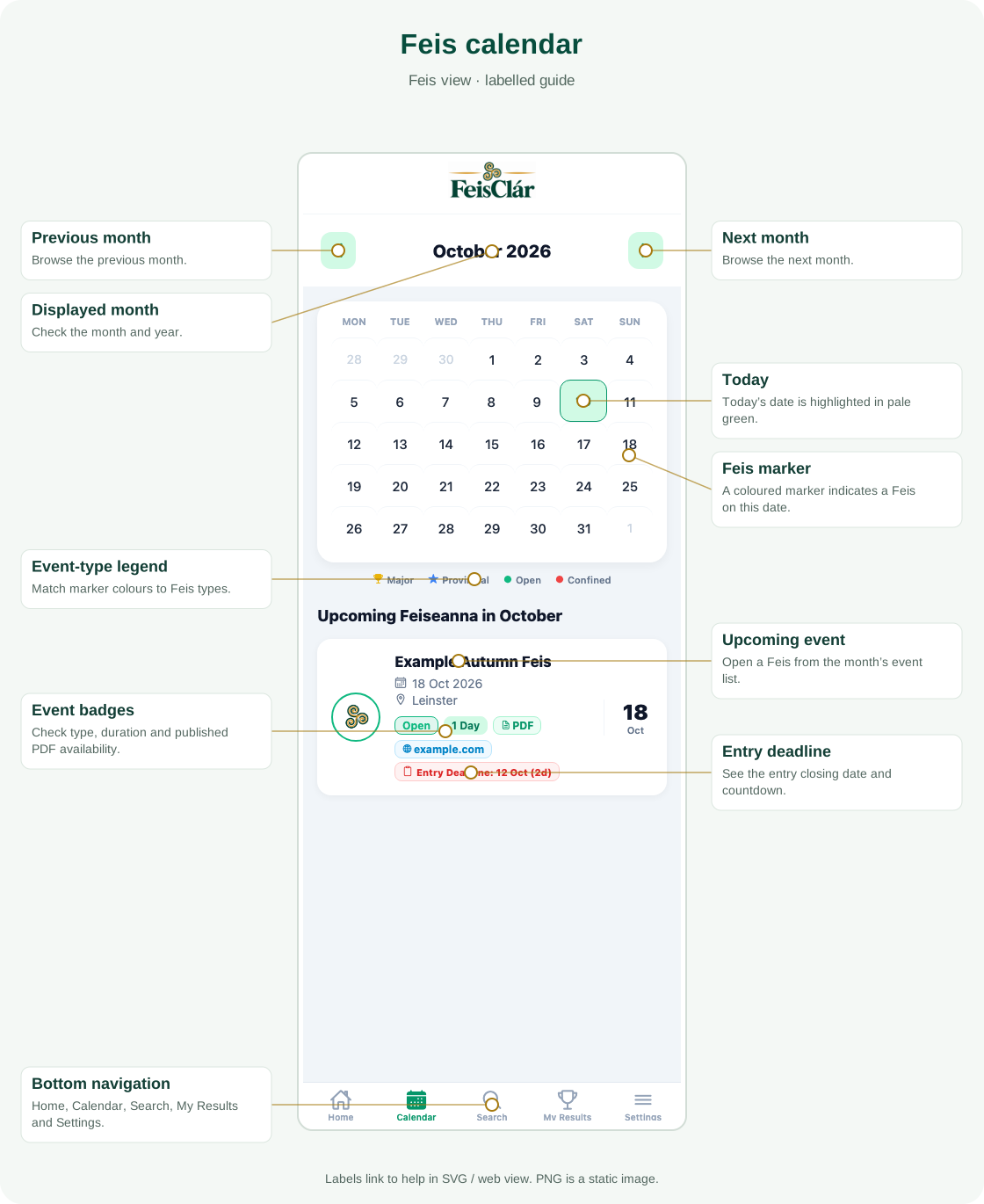
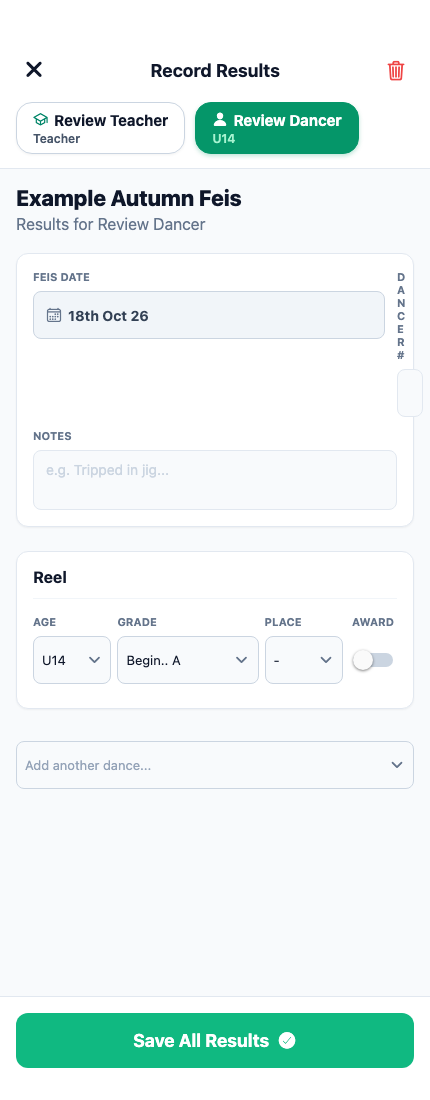
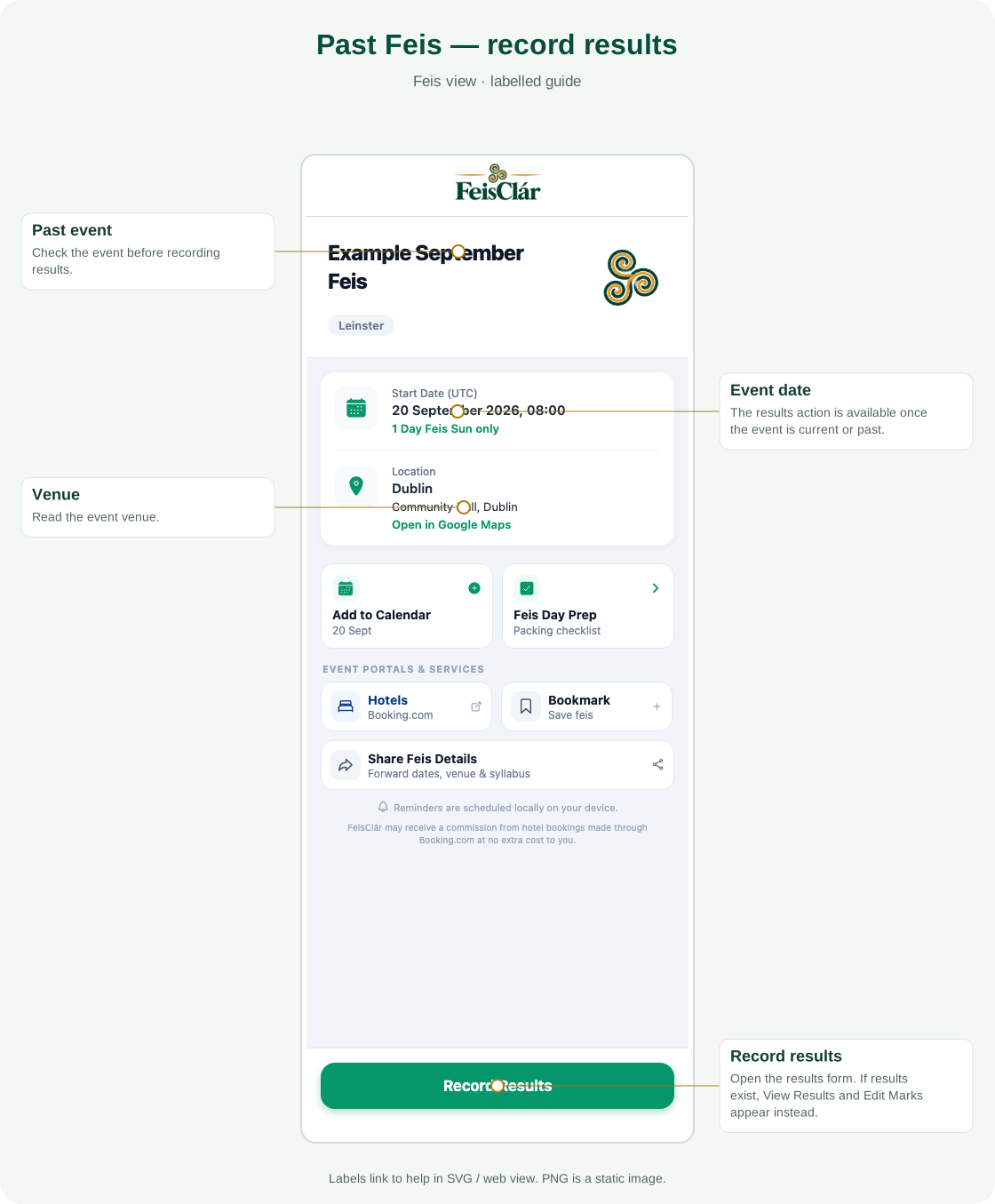
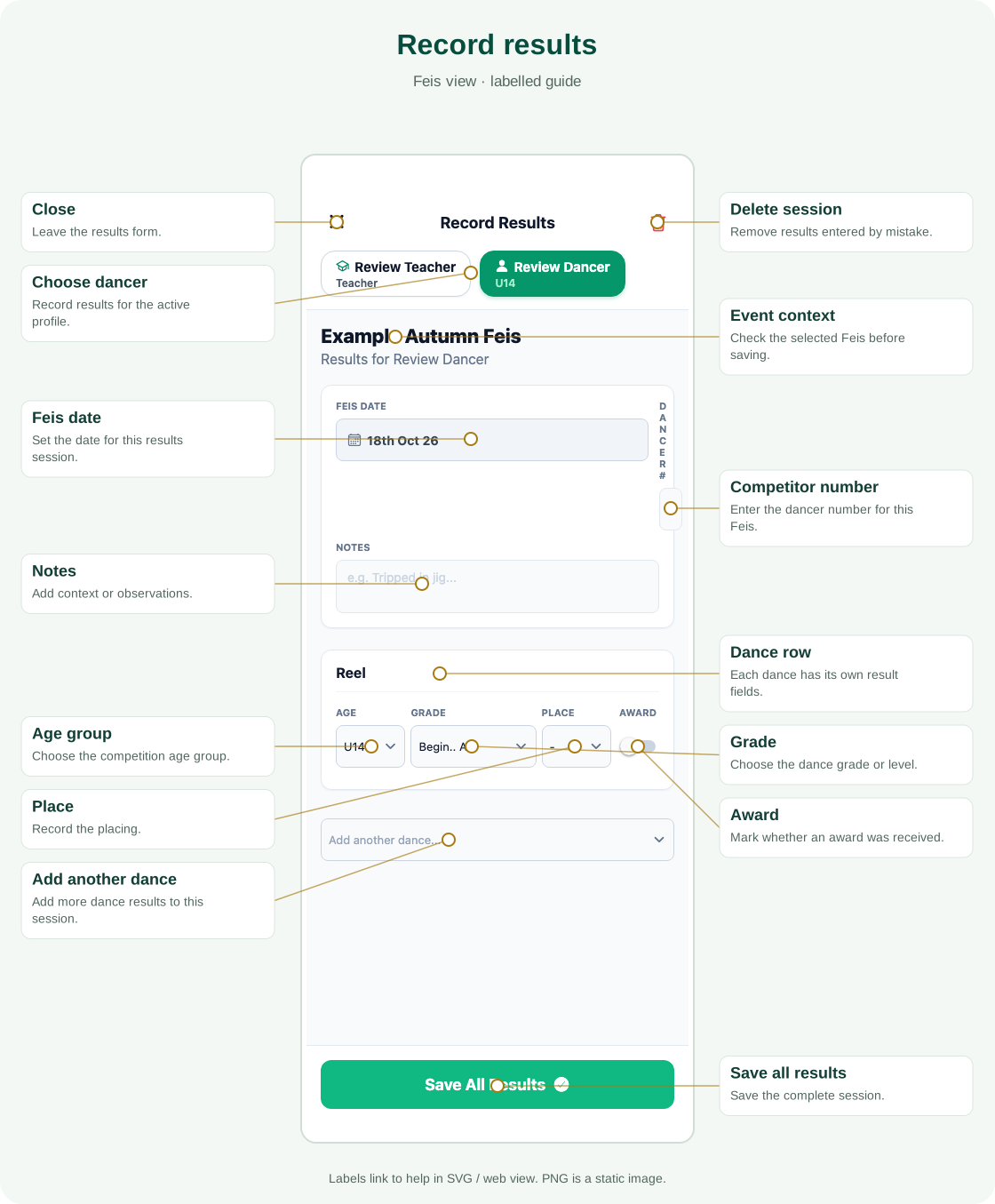
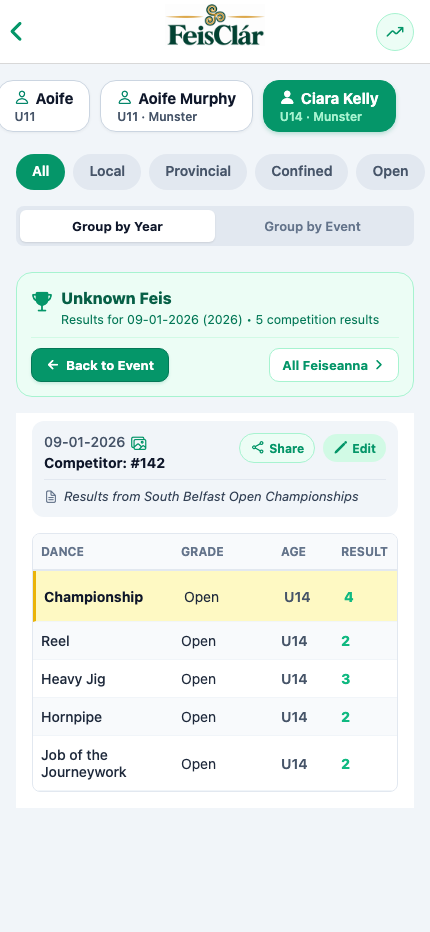
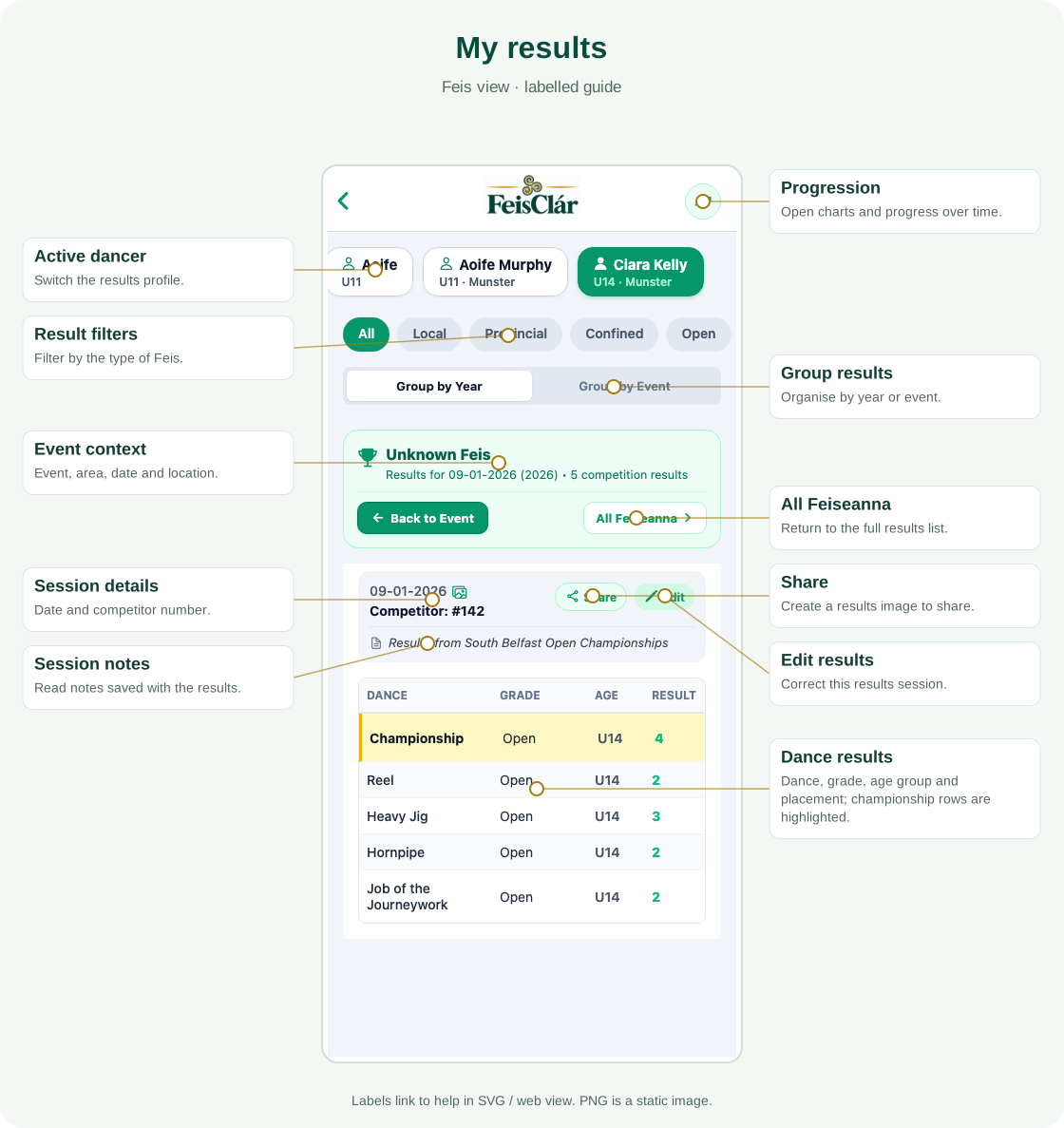
Open Calendar and choose the month. Scroll below upcoming events to Past Feiseanna, where available, then open the event to record or review results.
Keep a syllabus for offline use
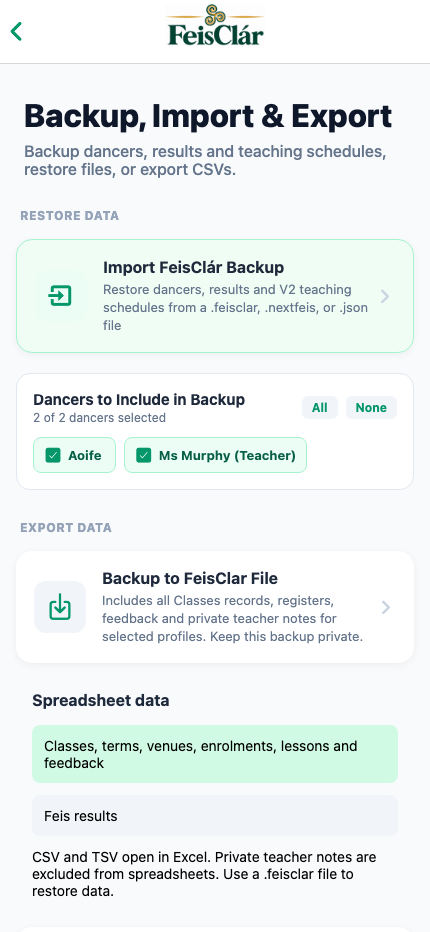
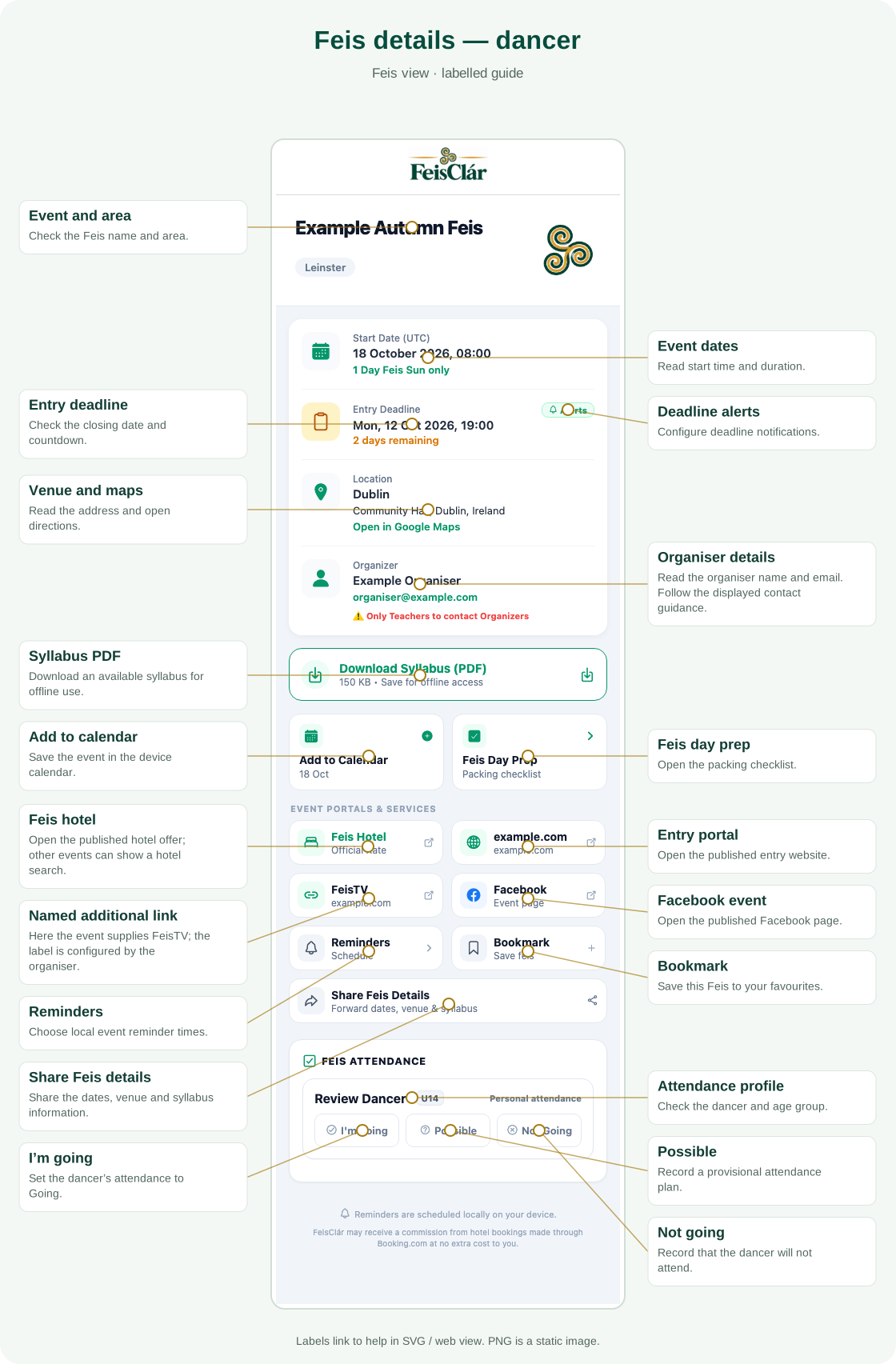
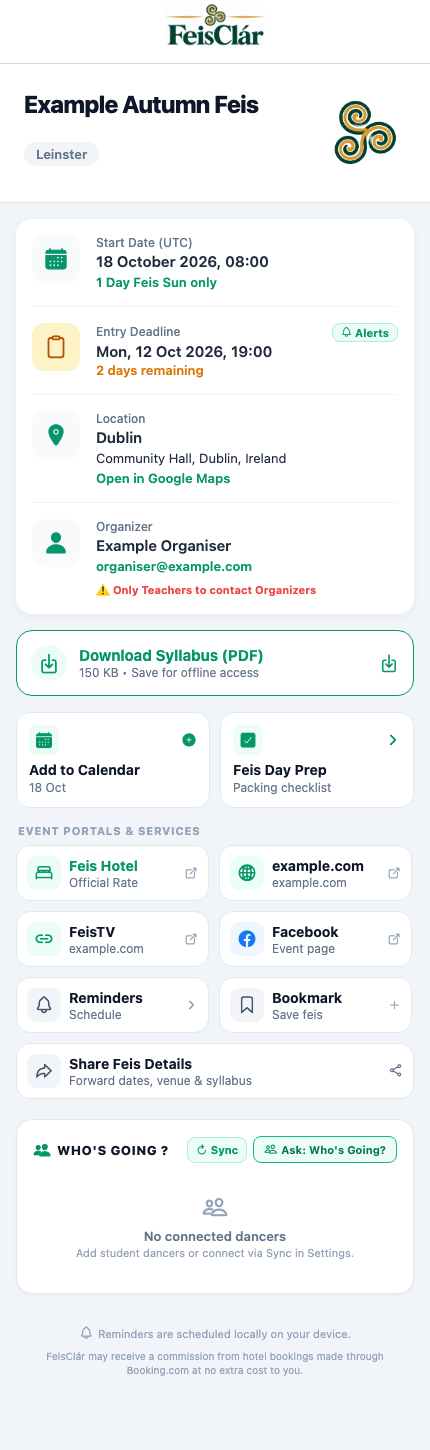
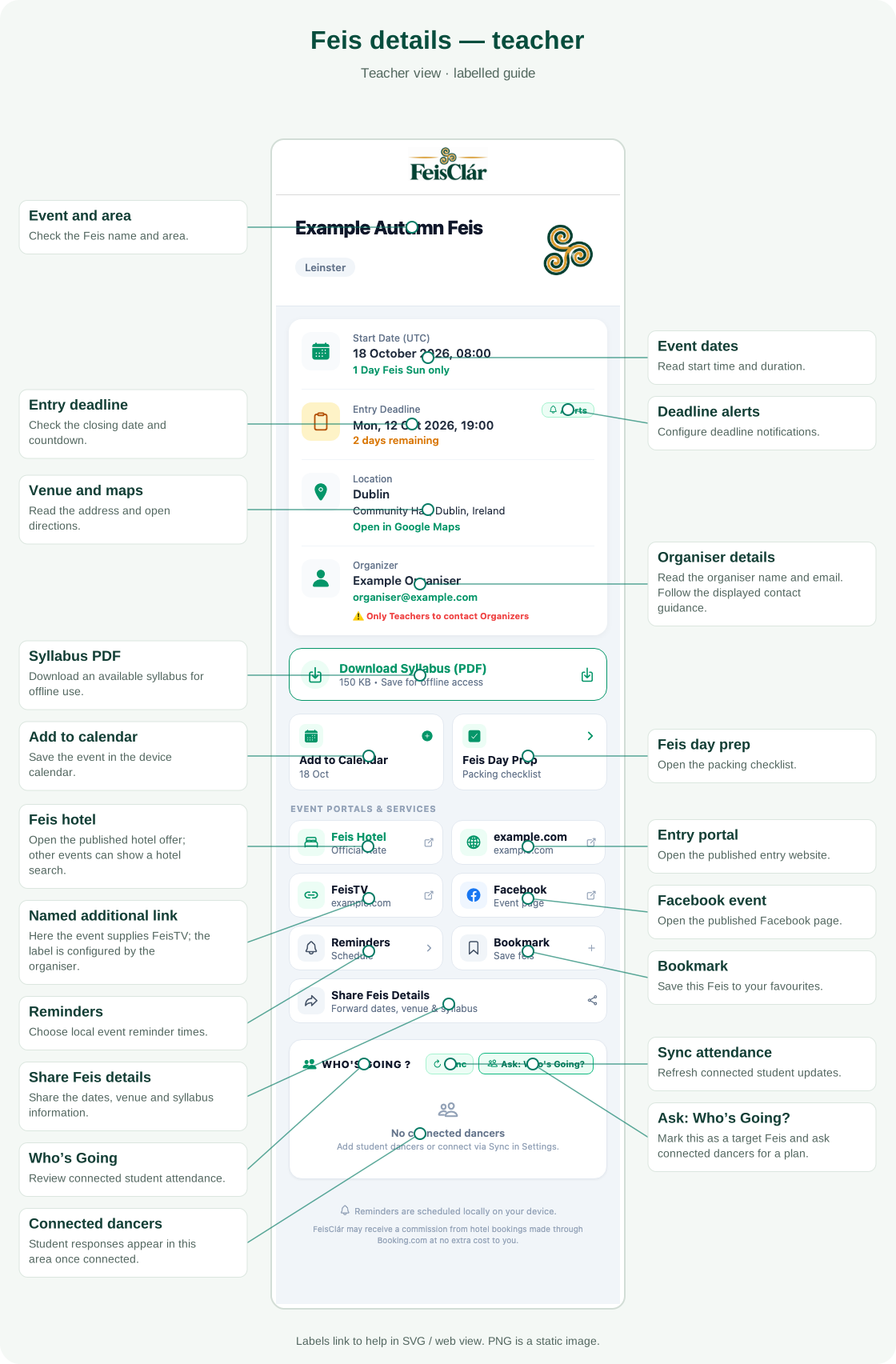
Open the Feis details and tap its syllabus control when available. Download it while connected, then open the saved copy before travelling. Settings → Downloaded Syllabuses lists cached files. An external web page opens in the browser when you confirm; it is not a saved offline PDF.
Review confirmations
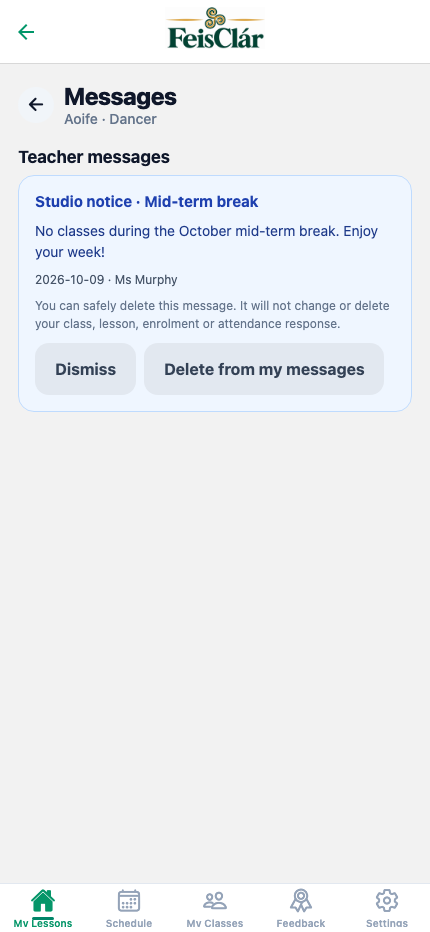
The app uses notification banners and confirmation sheets for actions such as leaving unsaved results or removing records. Read the action and any erase warning before confirming.